The last grocery app you'll ever need!
KitchenOwl is a smart grocery list and recipe manager. Easily add items to your shopping list before you go shopping or create recipes and get cooking suggestions. Track your expenses, so you know how much you've spent. Download now!
Together
Households allow you to work on recipes, expenses, shopping lists, and meal plans together as a family or with other users.
Recipes
Store recipes from the web or created by you, so you can fill your shopping list faster.
Smart
KitchenOwl adapts to you! It learns the order you usually tick off items and suggests recipes you like.
Shopping lists
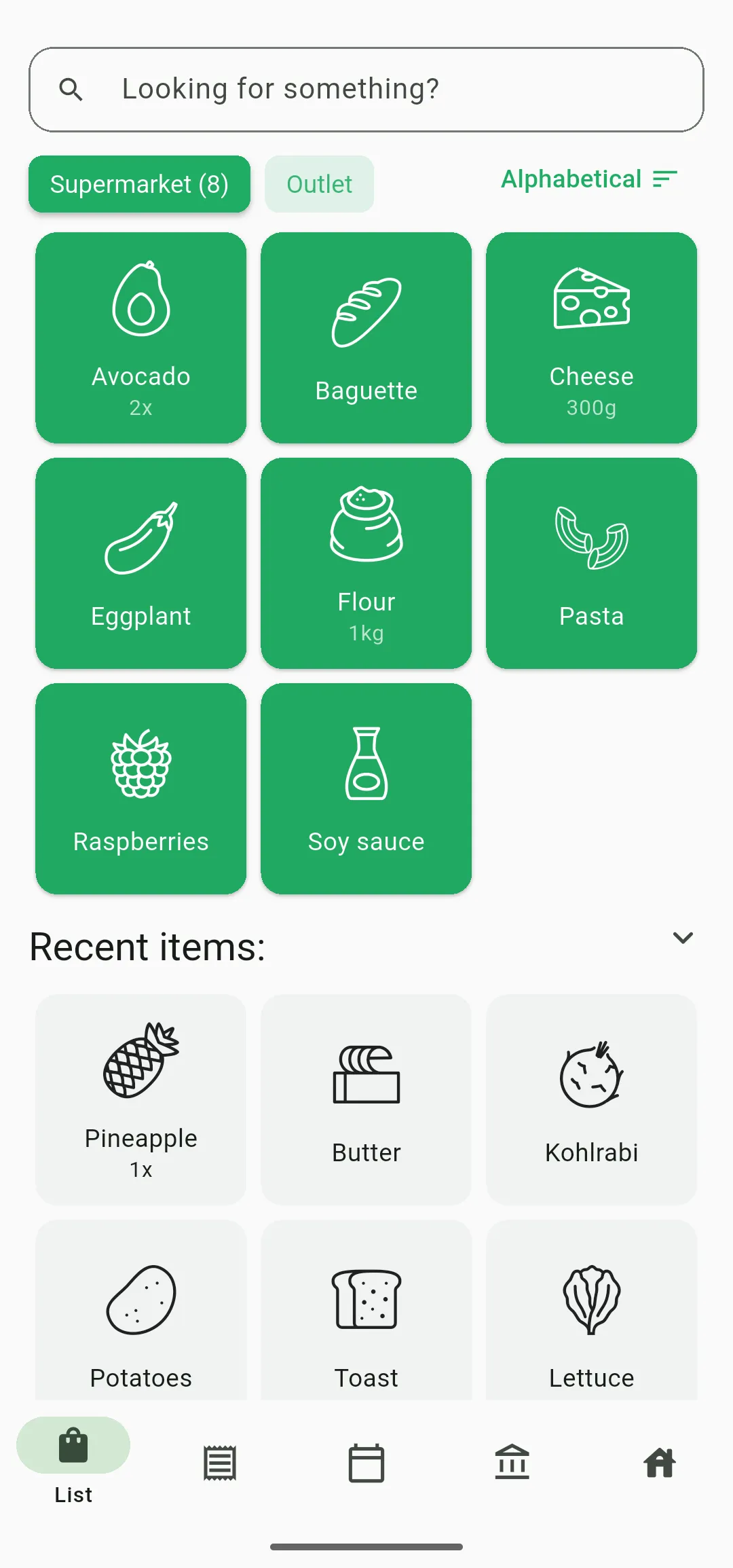
With icons, amount, and categories every trip to the store will be fun.
Meal Plan
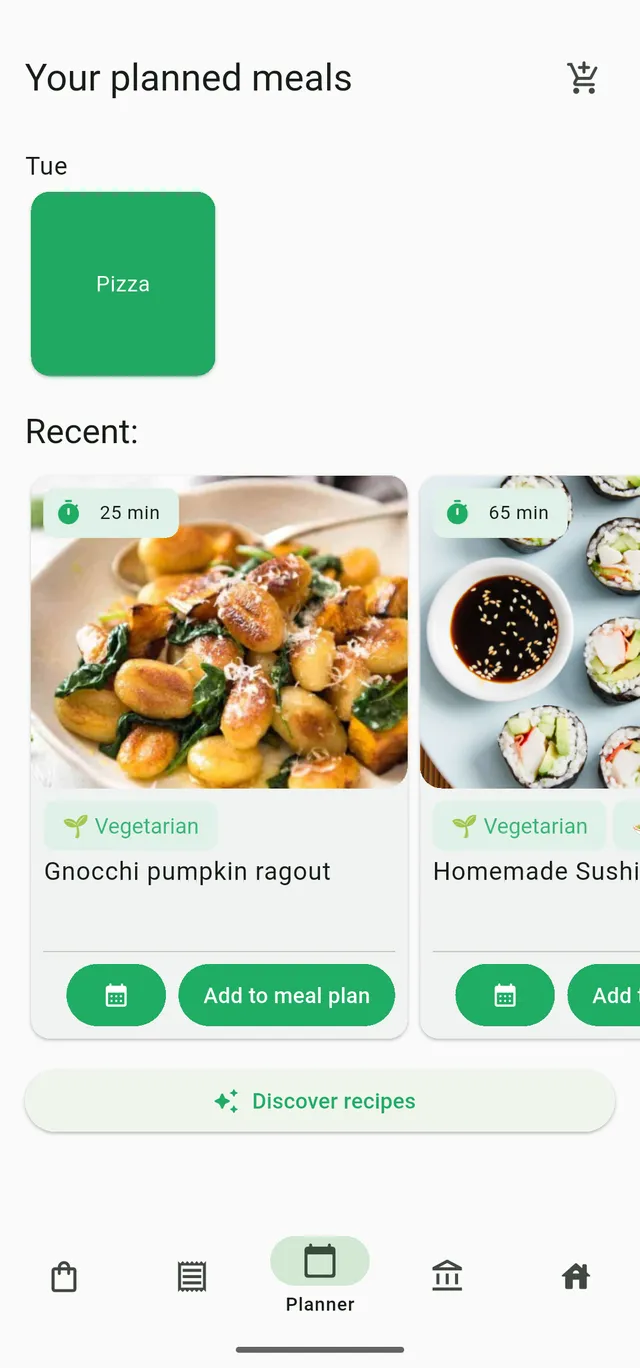
Want to plan ahead? No problem, always know what recipes are planned for the week.
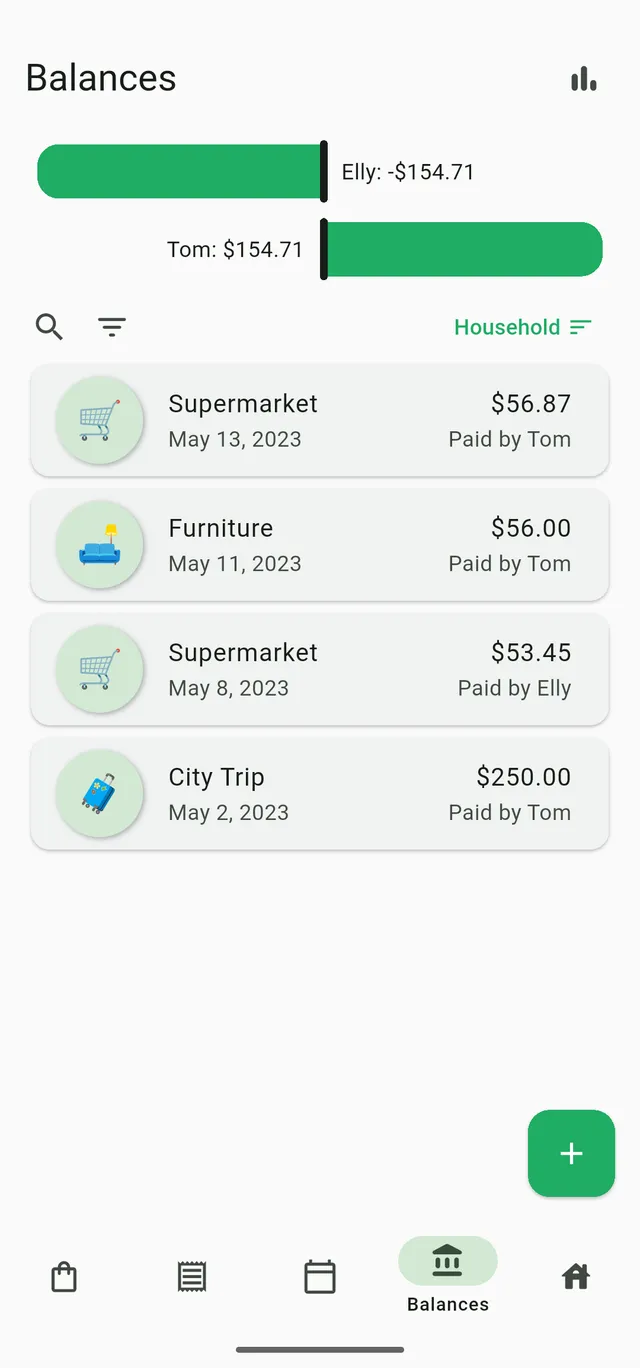
Balances
After your shopping trip simply enter the expense and divide it between all members accordingly.
Everything your household needs in one app
Enable only the features your household uses, from simple grocery lists to full meal planning and expense splitting.
Faster grocery runs, synced in real time
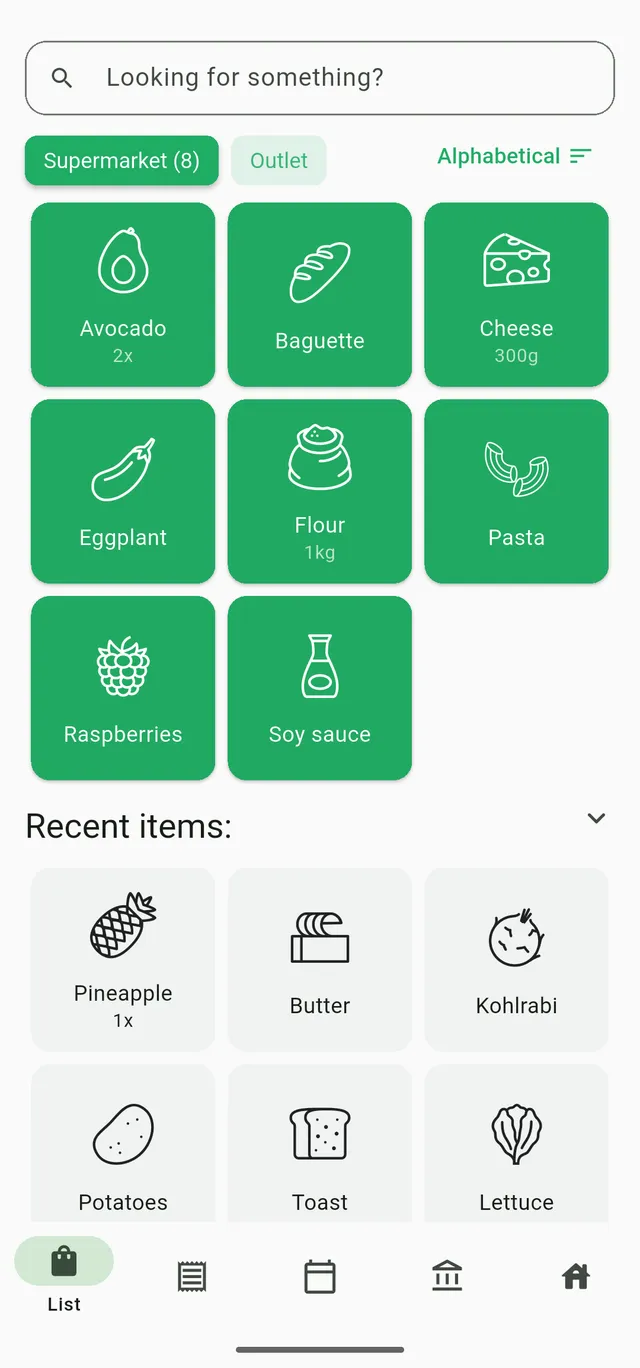
Keep everyone in your household on the same list with smart sorting that adapts to your favorite store.
- Real-time sync across Android, iOS, Web, and Desktop
- Location-based lists that auto-switch and notify you when you arrive at a store
- Categories, icons, quantities, and notes for every item
- Smart ordering that learns how you move through the store

Save your favorite recipes
Sticky Tofu with Coco-Lime-Rice
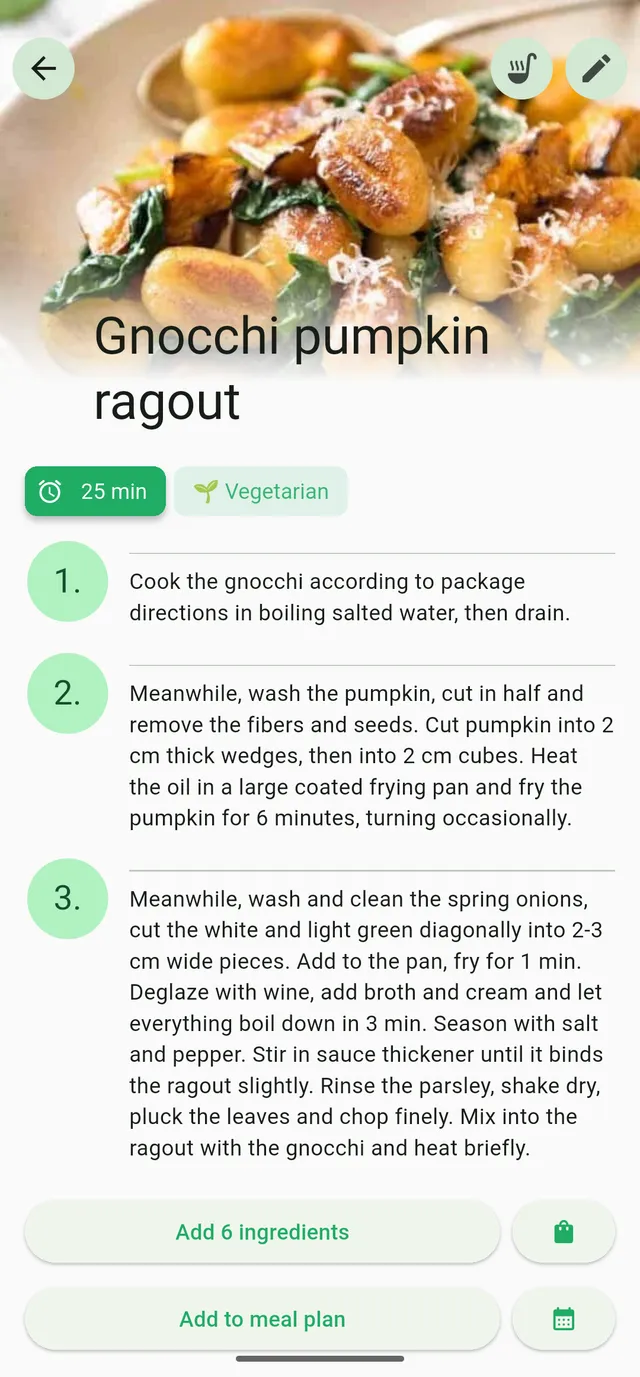
Keep ingredients, steps, cooking time, and tags together, and add everything to your shopping list in one tap.
Use our free cloud or self-host your own
Start in seconds with the managed cloud service, or keep every byte on your own hardware.
Managed Cloud
Sign up and start organizing your household right away, with no server setup or maintenance required.
- Instant access on app.kitchenowl.org
- Encrypted in transit, zero ads or tracking
- Sync across all your devices automatically
- Delete your account and data anytime
Self-Hosted
Run KitchenOwl on your own server, Raspberry Pi, or NAS with complete ownership of your data.
- Simple Docker & Docker Compose deployment
- 100% of your data stays on your own server
- Works with all official mobile & desktop apps and OIDC / SSO
- Optional Home Assistant integration available
Open source and built for privacy
KitchenOwl is community-driven software with no ads, no tracking, and no hidden paywalls.
Free & Open Source
Licensed under GNU AGPL-3.0. Inspect the code, contribute improvements, or build it yourself on GitHub.
Zero Tracking
The apps do not use tracking APIs and never sell or monetize your data. Your recipes and lists stay yours.
Community-Driven
Available across Android, iOS, F-Droid, Web, and Desktop, translated by volunteers worldwide via Weblate.
Frequently asked questions
Is KitchenOwl really free?
Yes. KitchenOwl is free and open-source software licensed under GNU AGPL-3.0. Both the official apps and the managed cloud service are free to use with no ads or paid tiers.
Do I need to self-host it, or can I just use the app?
You do not need to self-host anything. You can sign up and use the free managed cloud service at app.kitchenowl.org right away. Self-hosting via Docker is completely optional for users who prefer running their own server.
Can I share lists and recipes with my family or roommates?
Yes. KitchenOwl is built around households. Invite family members, partners, or roommates to collaborate on shopping lists, recipes, meal plans, and shared expenses in real time.
Does KitchenOwl work offline?
Yes, the native apps include partial offline support so you can view and tick off items on your shopping list even when you have poor reception in the grocery store.
How do I import recipes from websites?
Just paste the URL of a recipe into KitchenOwl (including links from other KitchenOwl instances) and it automatically scrapes the title, image, ingredients, and instructions. With optional AI HTML scraping enabled, it even works on websites without structured recipe data.
Ready to get started?
Take control of your kitchen today, free on mobile, web, and desktop.